
Last updated: February 2026
If you work with multiple tools in your business, you already know the drill. Leads sit in your CRM. Campaign data lives in your email tool. Reporting ends up in Google Sheets. Someone updates deals in Monday. And nothing talks to each other unless you manually push it.
That’s where integration platform as a service, or iPaaS, tools come in.
They connect your apps and automate the data flow between them so your team can focus on selling and marketing instead of copying and pasting.
But choosing the right iPaaS vendor can feel overwhelming. Many platforms are built for enterprise teams and come with enterprise pricing. If you’re an SMB, you need something powerful but realistic for your budget and team size.
This guide walks you through what to look for and highlights the best iPaaS vendors for small and mid-sized businesses.
How to choose the best iPaaS vendor
Before you commit to that annual subscription, here are five things to keep in mind while choosing an iPaaS vendor or integration solution:
Ease of use
If you do not have a developer on your team, avoid platforms that require heavy technical setup.
Look for:
- No-code or low-code builders
- Pre-built templates
- Clear documentation
- Fast onboarding
If your sales or marketing manager needs to set it up themselves, it should not require a certification.
Performance and reliability
Your integrations should just work.
Look for:
- Real-time or near real-time sync
- Strong uptime record
- Clear error logs
- Ability to handle growing data volume
If your lead sync breaks, your pipeline breaks.
Use case match
With a wide variety of iPaaS solutions available, the best iPaaS vendor for you is the one that matches your use case. For example, Outfunnel’s App connector tool is designed specifically for marketing and sales use cases. It may not be the best choice if you need to perform data integration in a finance team.
Think carefully about what you want your iPaaS solution to do for your business and pick the best match (we’re sharing our top choices soon!).
Pricing structure
Many enterprise tools charge based on:
- Number of connectors
- API calls
- Data volume
- Workflow complexity
- Different tiers of connected apps (for example, charging extra for connecting premium tools like Salesforce or Snowflake)
Make sure the pricing fits an SMB budget and scales predictably. We at Outfunnel use active contacts as the main pricing unit – the more contacts we sync, the higher the productivity increase, the bigger the price.
Security and data governance
Any data management tool you choose should be able to store your data securely. Look for:
- Audit logs
- Encryption
- Role-based access
- GDPR or local data regulation compliance
15+ Top iPaaS Vendors for SMBs
This list prioritizes platforms that are realistic for small and mid-sized businesses. Some enterprise options are included for comparison, but we focus on tools that SMBs can actually implement without a dedicated integration team.
1. Outfunnel
Outfunnel is built specifically for revenue teams that want their sales, marketing, and operational tools to work together automatically.
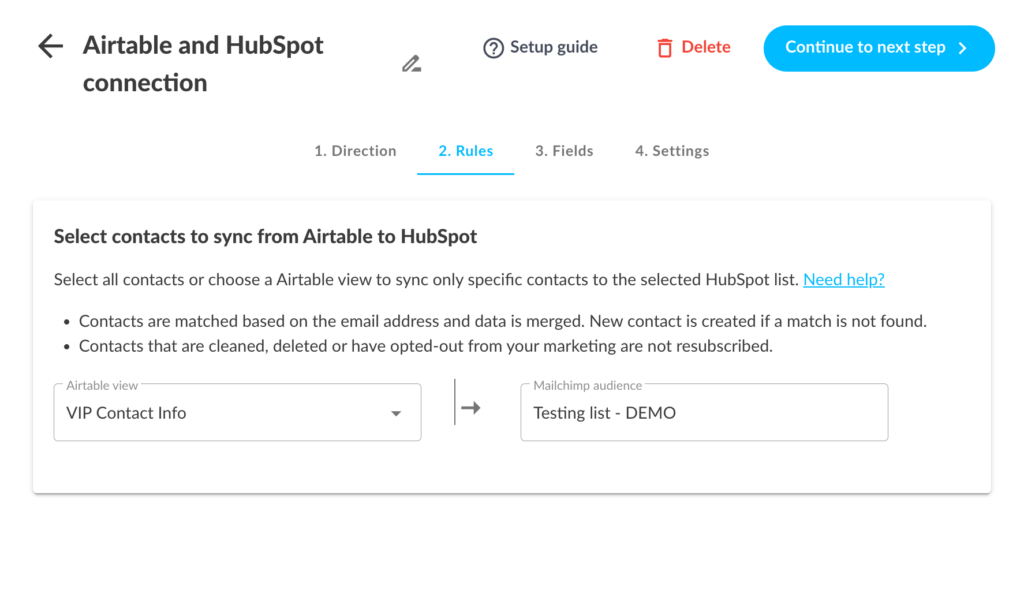
Unlike general-purpose iPaaS tools, Outfunnel focuses on syncing the tools that directly impact revenue.
You can:
- Sync CRM and marketing automation platforms
- Keep contacts and engagement data aligned
- Track web visits and marketing touchpoints inside your CRM
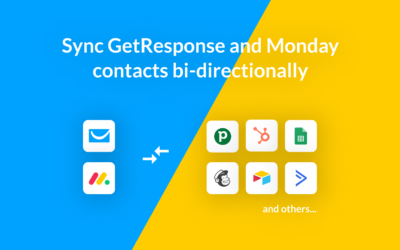
- Sync data with operational tools like Google Sheets, Airtable, and Monday
- Build revenue reporting workflows without manual exports
Pros:
- Built specifically for sales and marketing alignment
- Real-time two-way sync
- Simple setup for non-technical teams
- Revenue-focused automation, not generic task automation
- SMB-friendly pricing
Cons:
- Not designed for heavy enterprise data warehousing
See our Pipedrive integrations, HubSpot integrations, Salesforce integrations, or Monday.com integrations.
2. Boomi
Boomi is a powerful iPaaS solution for enterprise integration across a range of industries from IT to finance and analytics. The software allows users to connect applications like Amazon, Microsoft Azure, Shopify, and Workday amongst others.
Best for: Mid-market to enterprise teams with technical resources.
Pros
- Scalable
- Advanced API management
- Strong security
Cons
- Expensive
- Overkill for most SMBs
3. Mulesoft
Mulesoft is an application from Salesforce that offers an iPaaS solution called Anypoint Platform. As a Gartner Magic Quadrant leader, Mulesoft’s Anypoint Platform is a trusted iPaaS vendor in a variety of industries, from financial to retail.
Best for: Enterprises already deep in Salesforce.
Pros
- Provides reusable templates, APIs, connectors, and integration assets
- High performing platform processes more than 60B transactions with 99.99% uptime
- Offers API management
Cons
- Enterprise pricing
- Steep learning curve
4. Celigo
Celigo is focused on automating business processes in an accessible way for business people who may not be IT skilled.
Best for: Mid-market ecommerce or SaaS companies.
Pros
- Low-code iPaaS tool designed for non-IT users
- Good governance controls
Cons
- Can become expensive at scale
5. Jitterbit
Jitterbit is another low-code integration platform for linking applications like Oracle, AWS, and BigCommerce. It’s also used to design and manage cloud, mobile, and on-premises applications.
Pros
- Robust integration capabilities and automation services
- Point-and-click configuration is easy to use
- Reviewers rave about Jitterbit’s customer support
Cons
- Limited integration recipes for some platforms
- UI not always intuitive
6. Make
Best for: Make (formerly Integromat) is great for SMBs who want flexibility and medium-complexity syncing.
Make is an integration tool that connects applications and automates their integration. Make is a visual automation builder popular with startups, it is a less intimidating tool than many of the other iPaaS vendors,
Pros
- Affordable, especially with a low volume of data
- Visual builder
- Flexible logic
Cons
- Can get complex fast
7. Workato
Workato is a hybrid integration iPaaS tool that connects cloud services and on-premises tools for data integration flows.
Pros
- No-code platform with a large library of templates
- Highly rated technical support team
Cons
- Where templates are unavailable, it’s tough to develop new integrations on your own
- Pricing may stretch SMB budgets
8. Tray
Pros
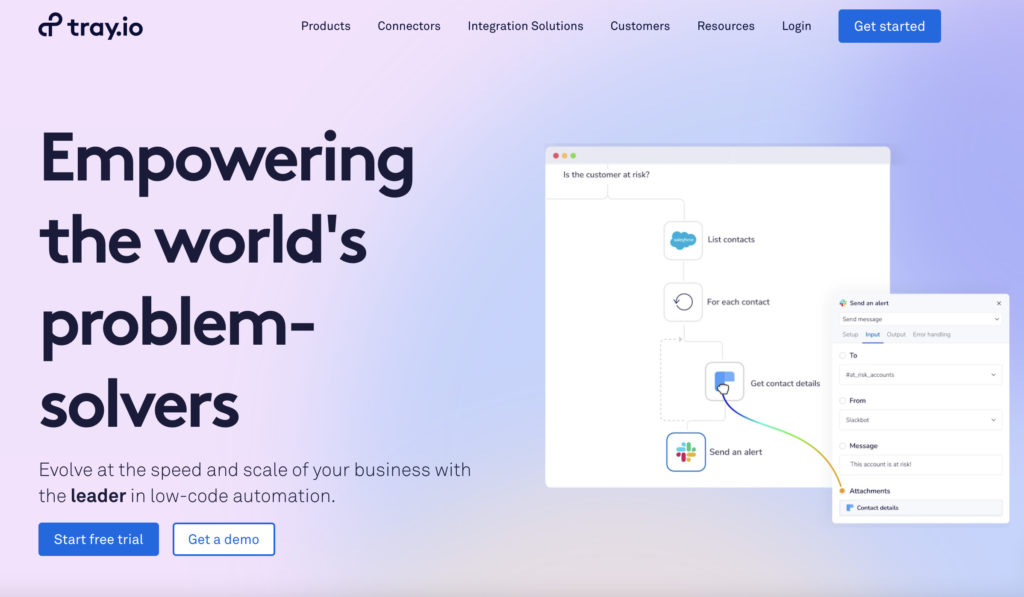
Tray is an integration platform that connects a range of SaaS applications at scale.
- Visual workflow builder
- Good for multi-step automations
Cons
- Limited integrations
- Not the cheapest option
9. Zapier
Zapier is an accessible iPaaS vendor designed to integrate applications and automate business processes. It is popular with freelancers and small businesses.
Pros
- Very easy to use and offers real-time automation
- Integrates with a vast array of SaaS applications
- Inexpensive
Cons
- May not be the best choice for larger corporations with heavier data integration needs
10. n8n
An open-source automation tool gaining popularity with technical SMB teams.
Pros:
- Highly customizable
- Self-hosted option
- Affordable
- Great for plugging into AI-assisted workflows
Cons:
- Requires technical setup
11. Pabbly Connect
A budget-friendly Zapier alternative for small businesses.
Pros:
- Lifetime pricing options
- Simple workflows
Cons:
- Smaller integration library
12. Informatica
Primarily an enterprise data integration platform.
Best for: Large organizations with complex data transformation needs.
Likely overpowered for typical SMB sales and marketing automation.
13. Oracle Integration Cloud Service
This cloud platform combines machine learning, pre-built integrations, and API management to form a high-powered data integration tool.
Best for: Organizations already using Oracle infrastructure.
Not SMB-focused.
14. TIBCO Cloud
This platform supports “API-led and event-driven integration” to facilitate data and application integration both for cloud services and on-premises applications.
Best for: larger companies with technical resources.
15. Snaplogic
Snaplogic is an AI-assisted integration platform.
Best for: Mid-market to enterprise teams.
Pros
- An appealing user interface with helpful AI makes this solution easy to use
- API management feature
- Visual ETL (Extract, Transform, Load) and ELT (Extract, Load, Transform) processes
Cons
- Limited range of authorized applications and data sources
Best practices for using iPaaS vendors
We all agree: iPaaS vendors are highly efficient for taking busy work out of the hands of busy teams. This is especially so if you use your iPaaS tools well. Here are three tips for making the best of your iPaaS software:
- Define your integration goals: Ensure that you choose a tool that matches your use case and will help you reach your goals using a single platform. For example, if you’re in sales or marketing and looking for a tool to connect both departments, Outfunnel is your best bet. You won’t need to worry about maintaining a more cumbersome tool or learning to use it.
- Train staff: When you’ve chosen your tool and decided which staff will have access to it, invest in training sessions to make sure they know the ins and outs of your iPaaS platform. Otherwise, you might miss on some crucial features and leave money on the table.
- Avoid overengineering: Many SMBs adopt enterprise iPaaS tools and only use 10 percent of the functionality. That usually means higher cost and more maintenance than necessary.
- Think revenue, not just automation: The real value of iPaaS for SMBs is revenue alignment. When marketing engagement, CRM activity, and reporting tools stay synced automatically, your team moves faster and closes more deals.
Start connecting your revenue stack with Outfunnel
iPaaS is growing fast. But most platforms are built for complex enterprise environments.
If you are an SMB sales and marketing team, you probably do not need a heavy integration suite. You need your CRM, marketing tools, and reporting tools to stay aligned automatically.
That is exactly what Outfunnel is built for.
Start your free trial and connect your CRM, marketing automation, Google Sheets, Airtable, and Monday in minutes.
Ready to connect your sales and marketing tools? Start your free trial of Outfunnel now.